Dashboards
Rever provides three powerful dashboards that give users real-time visibility into their Accounts Payable process. These dashboards are interactive, analytics-driven, and allow users to drill down into specific bill data directly from the dashboard view.
Rever offers the following dashboards:
- Summary – Always available for all users.
- 2 - Way Matching – Visible when 2-Way Matching is enabled in Settings → Controls.
- 3 - Way Matching – Visible when 3-Way Matching is enabled in Settings → Controls.
Users can switch between dashboards from the top navigation menu.
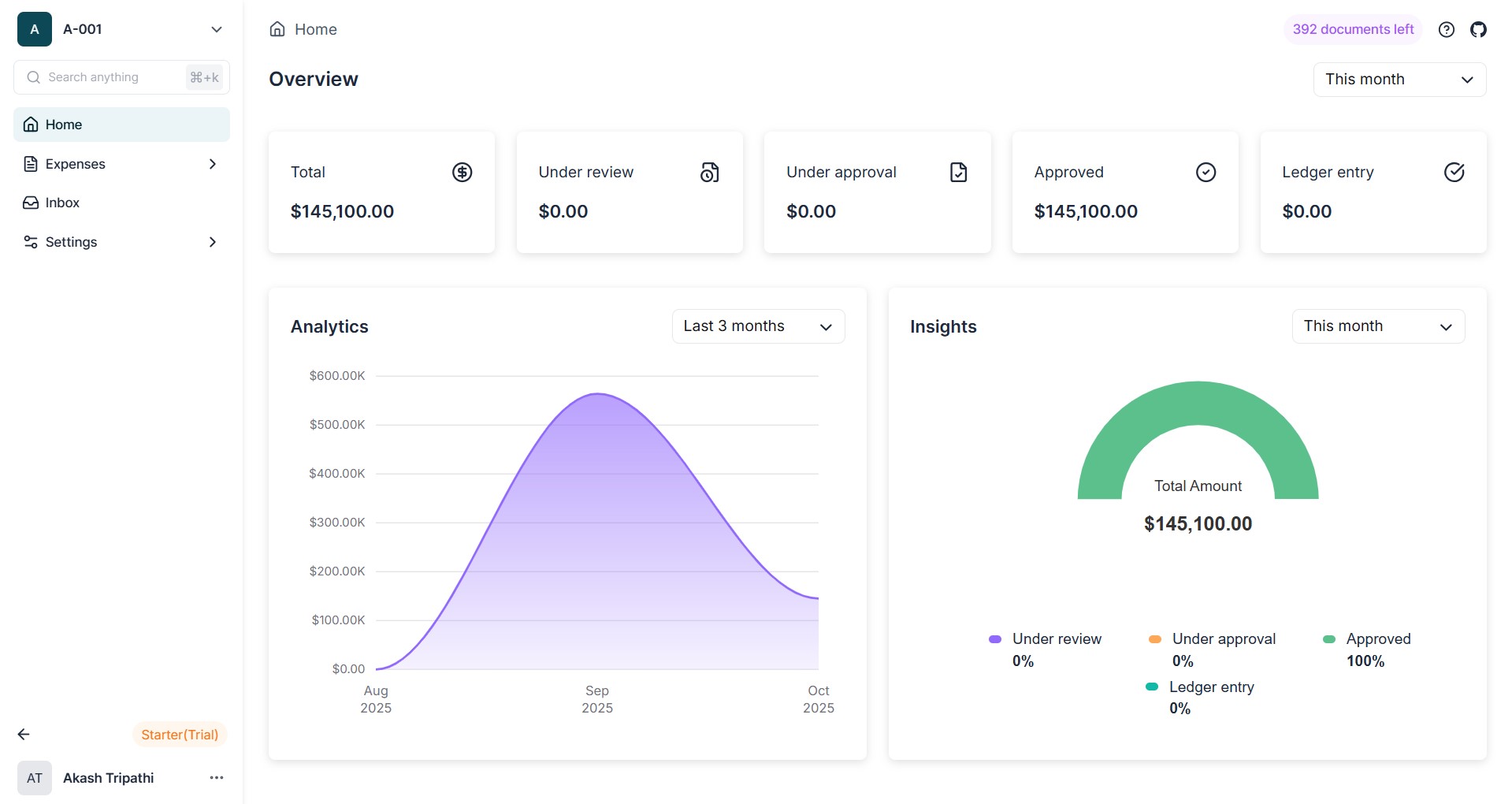
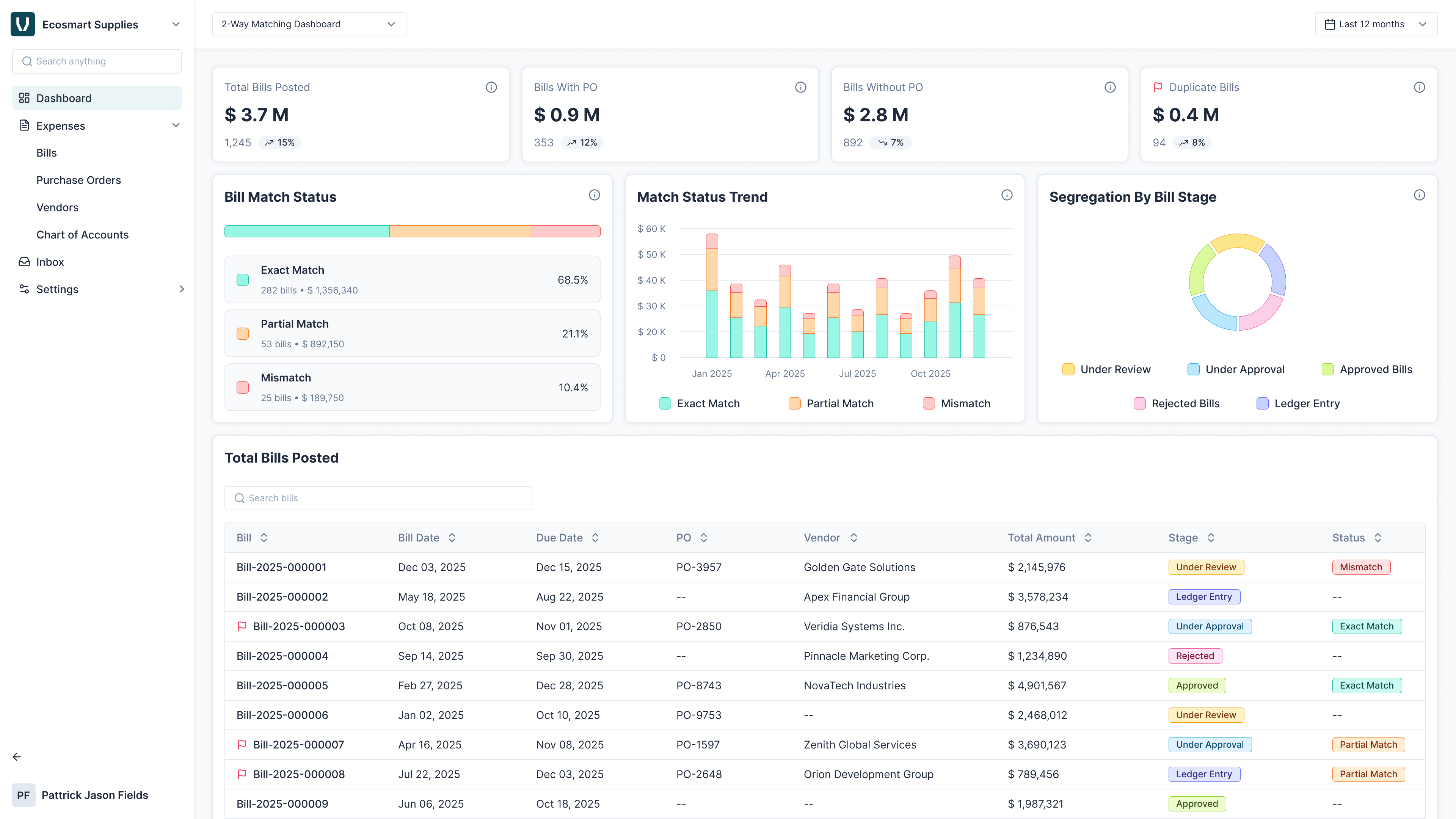
note
When a matching option (2-Way or 3-Way) is enabled, the corresponding dashboard is automatically activated and displayed.
Common Features Across All Dashboards
- Interactive Filters: Date, amount, vendor, and status filters apply instantly.
- On-Page Drill-Down: Clicking a card reveals the detailed bill list within the same page - no need to navigate away.
- Search & Export: o Search bills by vendor, invoice number, or amount. o Export filtered results to CSV for offline analysis.
- Role-Based Data Visibility: Admins see all bills; members and approvers see only those they have permission to view.