General
The General Settings page allows users to view and update their personal and professional profile details.
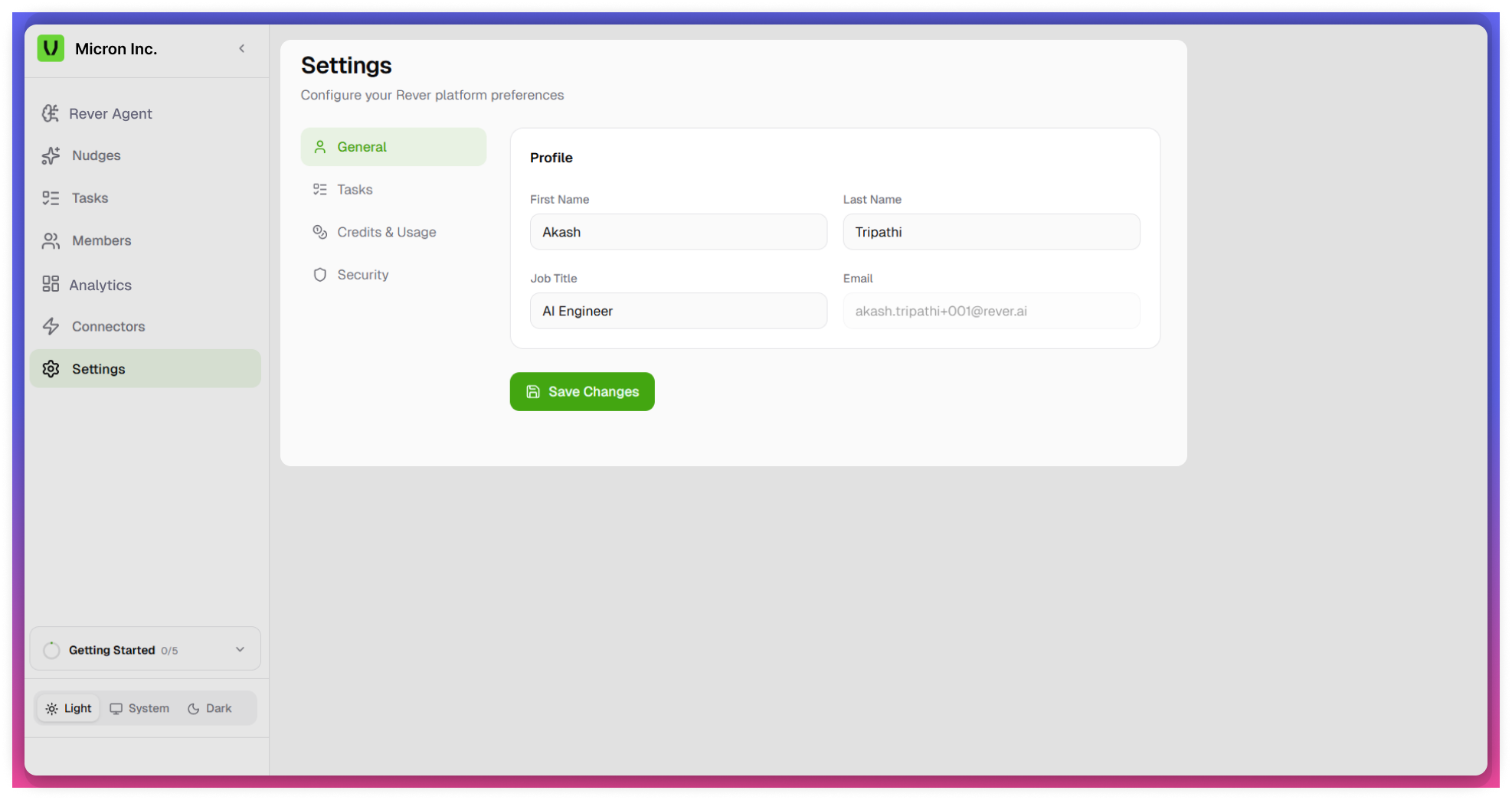
Accessing General Settings
- Navigate to the Settings module from the left navigation panel.
- Select the General tab.
- The Profile Information section will be displayed.
Editable Fields
Users can update the following fields:
- First Name - Enter or modify your first name.
- Last Name - Enter or modify your last name.
- Job Title - Update your current role or designation.
Read-Only Field
- Email ID
- Displays the registered email address.
- This field is non-editable to ensure account integrity and security.
Saving Changes
- Click on Save Changes after updating any profile details.
- Changes are applied immediately upon saving.
tip
Verify details before saving to avoid incorrect information.
note
- Email ID cannot be modified from this page.
- Only the logged-in user can update their personal profile information.